
Build Your Own Sqlite - Print the Page Size
Understand the Sqlite file and print the page size of the sqlite db file.
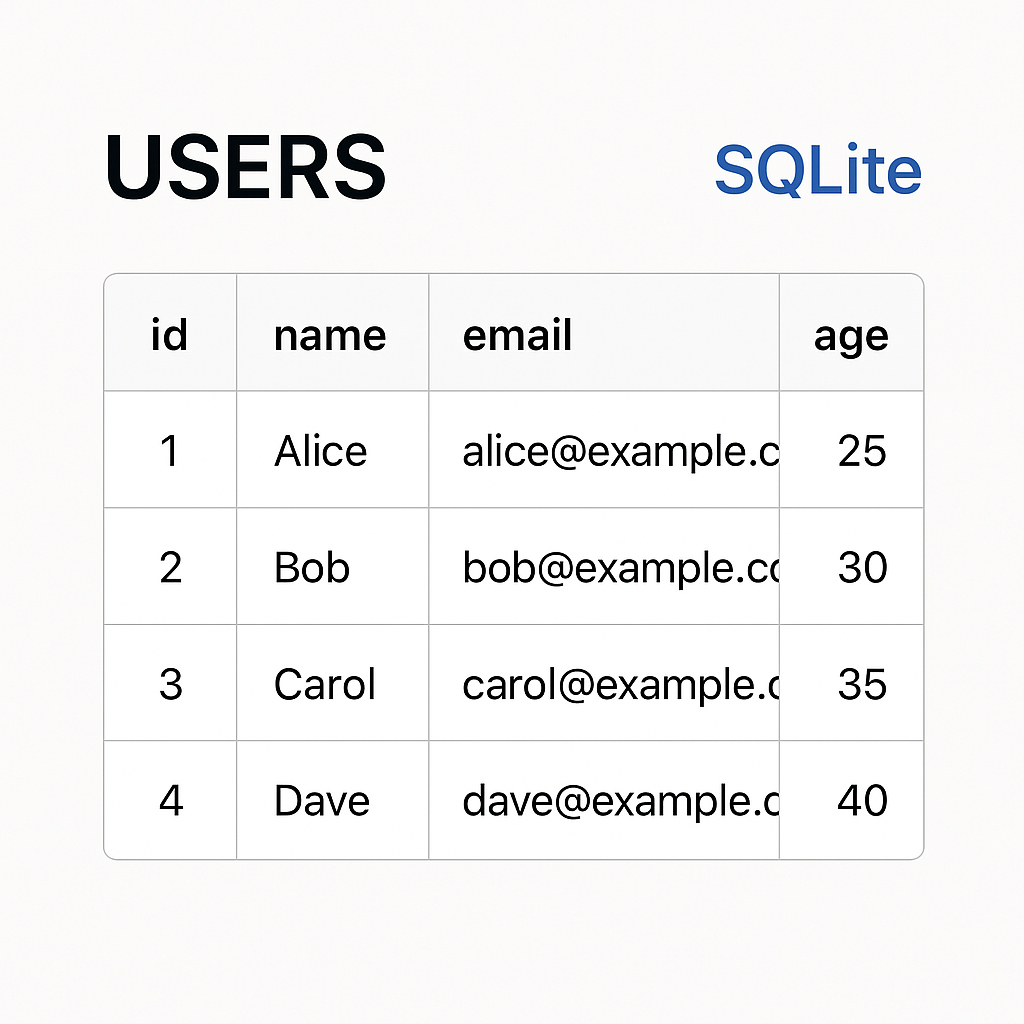
SQLite is one of the most widely deployed database and it is used in many different applications. Well-known users of SQLite include Bosch, Airbus, and even the Library of Congress. It is meant to be extremely stable, and it is vastly different to how other databases are implemented. Unlike client-server database systems, SQLite uses a file-based architecture where each database is stored as a single file on disk. This makes SQLite extremely portable and easy to deploy. We will demystify how this implementation works by looking at the database file. Specifically, we will start by understanding how to gather metadata about the DB.
The documentation does a great job explaining how the file is formatted. Let's start to understand how to extract the page size of the database.
The Database File
SQLite is powered by an on-disk database file format. It is usually on "the main database file" along with auxiliary files for additional capabilities. Every SQLite database file begins with a 100-byte header that contains crucial metadata about the database. This header provides essential information needed to interpret the rest of the file correctly.
The main database file consists of one or more pages. ... All pages within the same database are the same size.
This will become important later.
The Database Header
The Database Header contains metadata about the respective database. The diagram depicted there explains how the header is formatted.
| Offset | Size | Description |
| --- | --- | --- |
| 0 | 16 | The header string: "SQLite format 3\000" |
| 16 | 2 | The database page size in bytes. Must be a power of two between 512 and 32768 inclusive, or the value 1 representing a page size of 65536. |
| 18 | 1 | File format write version. 1 for legacy; 2 for WAL. |
| 19 | 1 | File format read version. 1 for legacy; 2 for WAL. |
| 20 | 1 | Bytes of unused "reserved" space at the end of each page. Usually 0. |
| 21 | 1 | Maximum embedded payload fraction. Must be 64. |
| 22 | 1 | Minimum embedded payload fraction. Must be 32. |
| 23 | 1 | Leaf payload fraction. Must be 32. |
| 24 | 4 | File change counter. |
| 28 | 4 | Size of the database file in pages. The "in-header database size". |
| 32 | 4 | Page number of the first freelist trunk page. |
| 36 | 4 | Total number of freelist pages. |
| 40 | 4 | The schema cookie. |
| 44 | 4 | The schema format number. Supported schema formats are 1, 2, 3, and 4. |
| 48 | 4 | Default page cache size. |
| 52 | 4 | The page number of the largest root b-tree page when in auto-vacuum or incremental-vacuum modes, or zero otherwise. |
| 56 | 4 | The database text encoding. A value of 1 means UTF-8. A value of 2 means UTF-16le. A value of 3 means UTF-16be. |
| 60 | 4 | The "user version" as read and set by the user_version pragma. |
| 64 | 4 | True (non-zero) for incremental-vacuum mode. False (zero) otherwise. |
| 68 | 4 | The "Application ID" set by PRAGMA application_id. |
| 72 | 20 | Reserved for expansion. Must be zero. |
| 92 | 4 | The version-valid-for number. |
| 96 | 4 | SQLITE_VERSION_NUMBER |
We are after the data at offset 16: The database page size. Run a hexdump of a sample sqlite db to confirm the same:
Let's dump the hex in BigEndian mode:
hexdump -C sample.db
00000000  53 51 4c 69 74 65 20 66  6f 72 6d 61 74 20 33 00  |SQLite format 3.|
00000010  10 00 01 01 00 40 20 20  00 00 00 05 00 00 00 04  |.....@  ........|
00000020  00 00 00 00 00 00 00 00  00 00 00 02 00 00 00 04  |................|
00000030  00 00 00 00 00 00 00 00  00 00 00 01 00 00 00 00  |................|
00000040  00 00 00 00 00 00 00 00  00 00 00 00 00 00 00 00  |................|
00000050  00 00 00 00 00 00 00 00  00 00 00 00 00 00 00 05  |................|
00000060  00 2e 4b 90 0d 00 00 00  03 0e c3 00 0f 8f 0f 3d  |..K............=|
00000070  0e c3 00 00 00 00 00 00  00 00 00 00 00 00 00 00  |................|
00000080  00 00 00 00 00 00 00 00  00 00 00 00 00 00 00 00  |................|
At offset 16 (00000010), we see 10 00. That is the page size. Can you guess what value that is?
Let's write a go app that will process the database file and output that information.
package main

import (
	"bytes"
	"encoding/binary"
	"fmt"
	"log"
	"os"
)

func main() {
	databaseFilePath := os.Args[1]
	command := os.Args[2]

	switch command {
	case ".dbinfo":
		databaseFile, err := os.Open(databaseFilePath)
		if err != nil {
			log.Fatal(err)
		}

		header := make([]byte, 100)

		_, err = databaseFile.Read(header)
		if err != nil {
			log.Fatal(err)
		}

		var pageSize uint16
		if err := binary.Read(bytes.NewReader(header[16:18]), binary.BigEndian, &pageSize); err != nil {
			fmt.Println("Failed to read integer:", err)
			return
		}
		fmt.Printf("database page size: %v", pageSize)
	default:
		fmt.Println("Unknown command", command)
		os.Exit(1)
	}
}
Build and run the program:
 go build -o sqliteparser app/*.go
./sqliteparser sample.db .dbinfo
database page size: 4096
Why Understanding the SQLite File Format Matters
Understanding the SQLite file format offers several advantages:
- Performance Optimization: Knowledge of how SQLite organizes data can help you optimize queries and database structure.
- Forensic Analysis: In data recovery scenarios, understanding the file format is crucial for extracting information from potentially corrupted databases.
- Custom Tools: You can build specialized tools for database analysis, migration, or monitoring.
- Educational Value: The SQLite design represents decades of database engineering experience and offers valuable lessons in efficient data storage.
Conclusion
With this information, we now understand how to traverse pages in the file. By examining the SQLite file format, we've taken the first step toward understanding how this popular embedded database works internally. The page size is just one piece of metadata, but it's fundamental to how SQLite organizes and accesses data.
As you continue exploring SQLite's internals, you'll gain deeper insights into database design principles and be better equipped to build efficient applications that leverage SQLite's capabilities efficiently.
I encourage you to try to source other values in the database file.